Custom Stickers



.jpg)


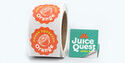
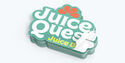
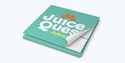
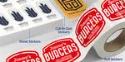
.jpg)


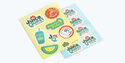











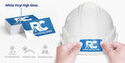
- Effortlessly transform personal items into advertising spaces
- Low-cost yet highly effective promotional tool
- Easy to customize and available in a variety of materials
- Perfect for giveaways, branded merch, and packaging add-ons
Product Features


Any Shape. Any Size. All Yours.
Need stickers that fit your vision? Custom stickers give you complete creative freedom, whether you’re branding your laptop, designing event giveaways, creating merch inserts, or handing out promotional stickers. Choose any size or shape you want — big, small, simple, or completely custom — there’s a sticker made just for you at PrintRunner.
You can upload your design or use our online design tool. Every order includes an online proof for you to review and approve before production begins. Place your order today and get stickers made exactly the way you imagined!
Where to Use Custom Stickers
Custom stickers can be used in a variety of applications because they’re easy to distribute, pack into orders, or display at events. These are perfect for:
- Laptop and water bottle stickers
- Event giveaways and trade show handouts
- Band and artist merch
- Small business freebies and thank-you inserts
- Club, school, or team branding
- Personal designs and creative projects
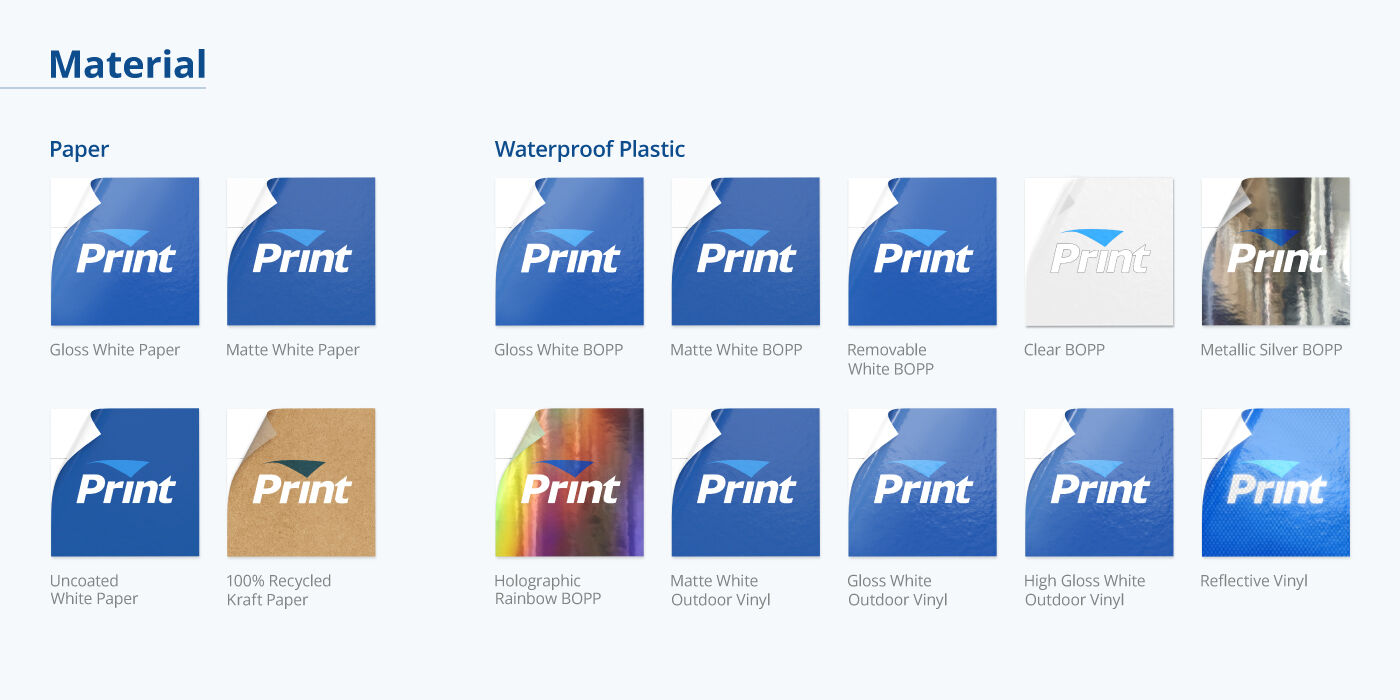
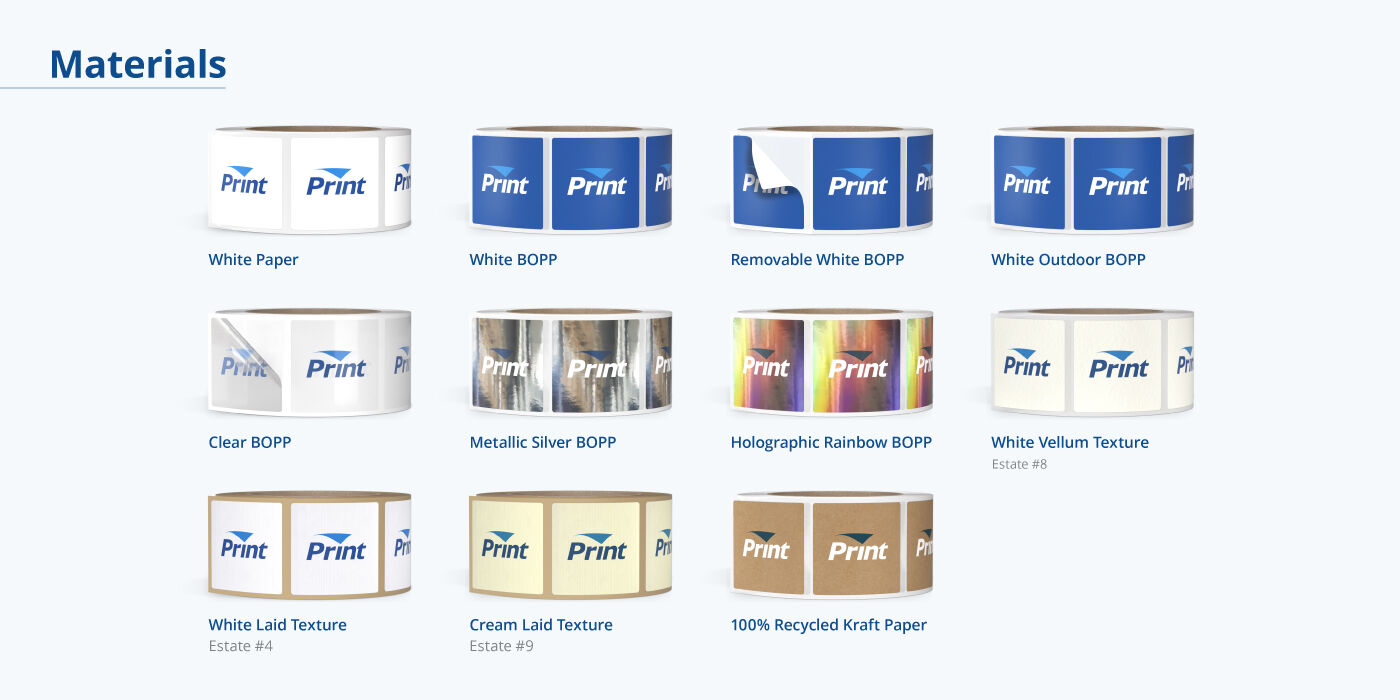
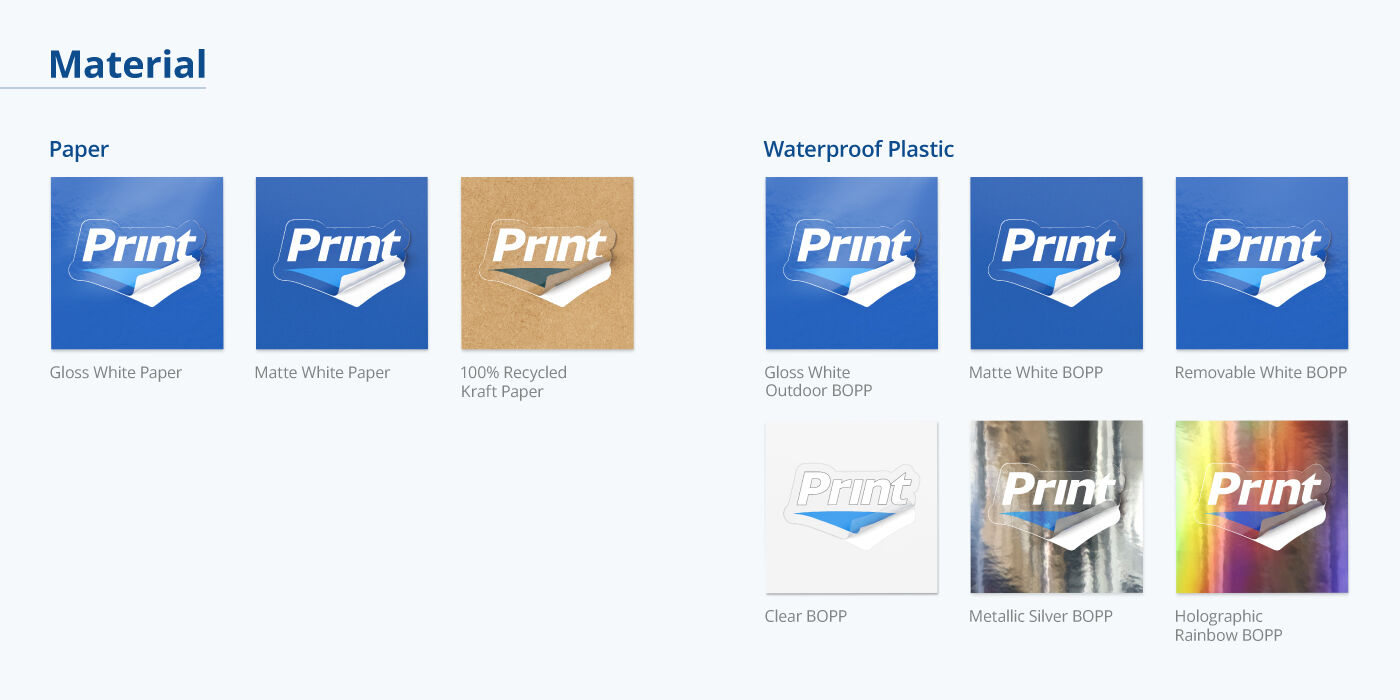
Different Materials for Various Styles
We break down what PrintRunner’s customers usually look for in custom stickers to help you decide which ones fit your needs best. If you have further questions or if you’re looking for something more specific, our team of sticker experts would be glad to assist you.
| What are you looking for in a custom sticker? | |||||
|---|---|---|---|---|---|
| Outdoor-friendly | Waterproof | Writable | Reusable and Repositionable | Simple and Affordable | |
| Recommended Materials | Vinyl Sticker |
Vinyl Sticker BOPP |
Matte White Paper Sticker Gloss White Paper Sticker Estate Paper (uncoated) |
White BOPP |
Matte White Paper Sticker Gloss White Paper Sticker High Gloss White Paper Sticker |
| Available Formats | Die-cut singles Kiss-cut Sheet Roll |
Vinyl Sticker - all formats BOPP - roll |
Matte and Gloss White Paper Sticker - Die-cut Kiss-cut Sheet Roll Estate Paper - Roll |
Roll | Die-cut singles Kiss-cut Sheet Roll |
| Common Uses | Outdoor and sports equipment Automotives Gadgets Reusable tumblers |
Bathroom and shower items Kitchen items Refrigerator storage bins Food containers Reusable tumblers |
Personal belongings School and office equipment Name tags |
Windows Furniture Promotions |
Giveaways |
3 Popular Ways to Personalize Your Custom Stickers
Aside from preparing a unique design, you have three more ways to ensure that your custom stickers look like no other.
1.Format
At PrintRunner, we have four format options you can choose from:
| Singles | Kiss-cut | Sheet | Roll |
|---|---|---|---|
| Are you ordering custom stickers to hand out to customers or to give away during events and other promotional activities? This option is for you. - Individually cut - Delivered in stacks |
If your sticker design has an intricate outline that would make it challenging to peel off the adhesive backing, look no further. - Individually cut - Delivered in stacks - Easier to peel than singles - Extra backing could be used for adding your business information or other details |
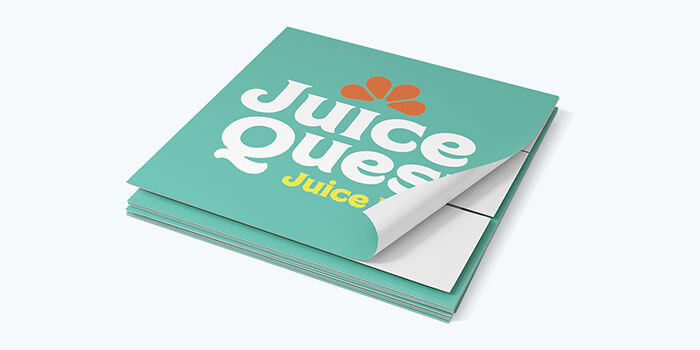
Do you have multiple sticker designs in mind? With this sticker format, you can print them all in one go. - Combine 4 to 30 stickers in one 8.5” x 11” sheet - Easy to peel - Delivered in stacks |
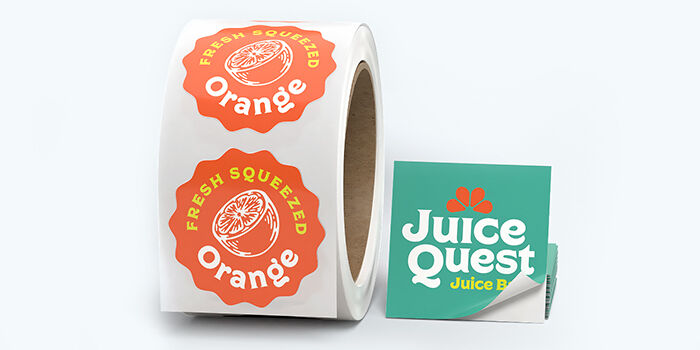
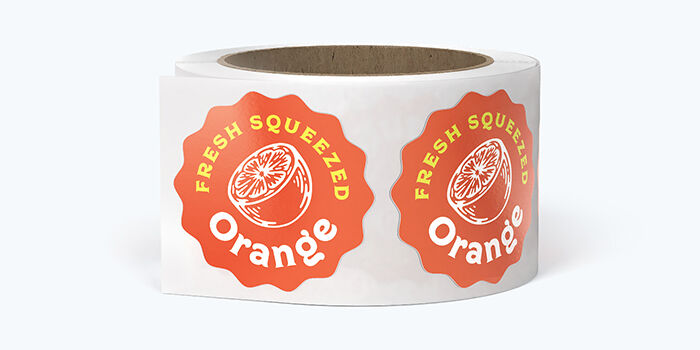
Will you use a machine to apply your custom stickers? Our roll stickers are wound around a 3” cardboard spool that fits most label dispensers. - Widest range of sticker materials - Best value for large quantities |
2. Shape
We don’t just print custom stickers in standard shapes such as rectangle, square, oval, and circle for singles and rolls. We also have arch, starburst, hexagon, and heart for singles, and accept custom requests for all formats as well!
3. Size
Whether your custom stickers are meant as scrapbook fillers or as shop window décor, trust PrintRunner to print them perfectly down to the very last pixel. All sticker formats come with a wide range of sizes, and for singles and kiss-cut, you can submit custom requests!
Check out our size range for each format here:
- Die-cut singles – 2” x 2” - 17” x 17”
- Roll stickers – 0.5” x 0.5” - 6” x 12”
- Sheet stickers – 4” x 6” - 8.5” x 11”
- Kiss-cut stickers – 2” x 2” - 17” x 17”
Picking the Right Size
Not sure which size to choose? Here are quick recommendations to help you decide:
- 2” x 2” – Small logo stickers for events and freebies
- 3” x 3” – Best for laptops and water bottles
- 4” x 4” or larger – Bold statement pieces or merch
Level Up With Premium Stickers
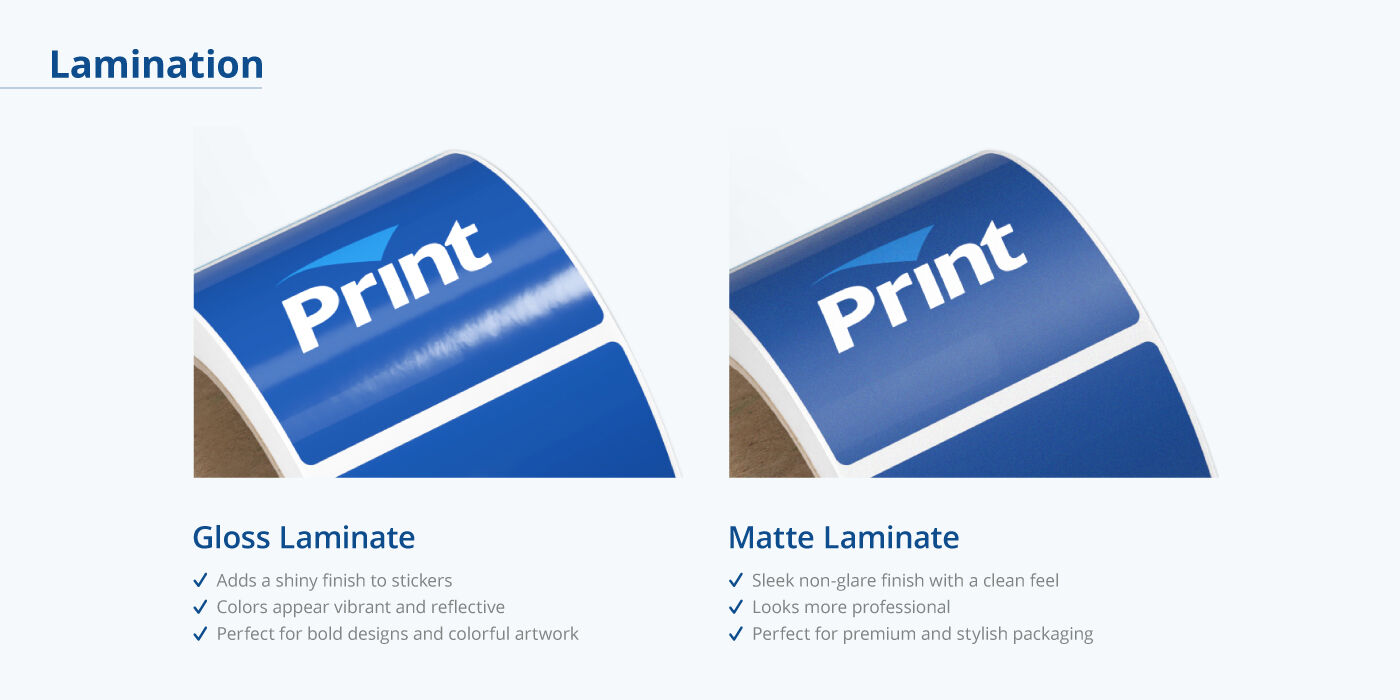
Looking for custom sticker materials with more pizzazz? Here are two classy and flashy alternatives:
| Metallic Stickers | Foil Stickers |
|---|
4 Reasons You Should Get Your Custom Stickers from PrintRunner

Free Ground Shipping for Orders Over $69

Fast Turnaround Time

Eco-Friendly Practices

Outstanding Reviews
Ordering Made Easy From Start to Finish
- Choose your sticker size and shape.
- Select a material and finish.
- Upload your design or use our online design tool.
- Pick a proofing option.
- Finalize your order at checkout.
Frequently Asked Questions
If you’re ordering die-cut singles, kiss-cut, or roll stickers, choose “Custom Size”. For sheets, choose “Multiple Designs”.
If you’re ordering sticker sheets, choose “Multiple Designs” to create any specific shapes that you have in mind. Orders for die-cut singles, kiss-cut, and roll, should be made under “Custom” in the Shape dropdown menu. If you’re ordering rolls, send us a custom quote request and we’ll see what our team can do to help execute your design.
We recommend the 3” x 3” for laptops. This size is noticeable without overwhelming the surface.
If you are printing custom stickers for outdoor use or for items meant to be stored in the fridge, kitchen, or the bathroom, go with vinyl or BOPP. These materials can withstand prolonged exposure to water and moisture.
White BOPP is the only reusable and repositionable sticker material that we offer, but there are ways to remove custom stickers that leave surfaces residue and scot-free.
- For vinyl stickers, apply heat to the surface with a hair dryer or a heat gun to soften the adhesive. Lift one corner and slowly peel perpendicular to the surface.
- For paper stickers, soak the surface in oil or rubbing alcohol to break down the adhesive. Scrape off carefully to avoid scratching the surface. Rub the remaining residue with alcohol or soapy water.
With proper care, our custom stickers can last up to five years with proper care.
While both sticker formats are individually cut and make great freebies or giveaways, their most noticeable difference is the shape of the backing. Die-cut singles are laser cut all the way through, which means the backing is the exact same shape as the sticker design. If your design has a simple outline or if you want the most economical option, this format is your best bet.
Meanwhile, kiss-cut stickers are only cut up to the sticker design. This makes them easier to peel, especially if the design outline is intricate or prone to tearing.
After filling out the product calculator, click “Continue”. A pop-up window will appear where you can choose how you want to design your custom stickers. Choose “Upload My Artwork”. Our design tool accepts PDF, JPG, JPEG, PSD, PNG, TIF, TIFF, EPS, AI, Publisher, DOCX, DOC, XLS, XLSX, PPT, PPTX, TXT, and CSV formats. Check out our file preparation guide for more details.
Yes, you can. Choose “Design Your File Online” in the pop-up window to access our beginner-friendly designer tool.
Yes, if you choose “I need a PDF proof” under Proofing Options. When you select that, you’ll receive a PDF proof to review and approve before your order goes into production.
You can order low minimum quantities without committing to a large bulk order. Please note that different formats have different minimums.
The print turnaround time for custom stickers may vary per format. To check the estimate shipping date and rates, just type your ZIP code in the Estimate Shipping field in the order calculator.