


Packaging Labels
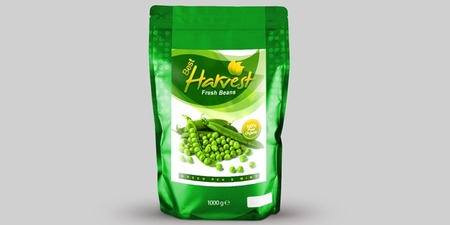


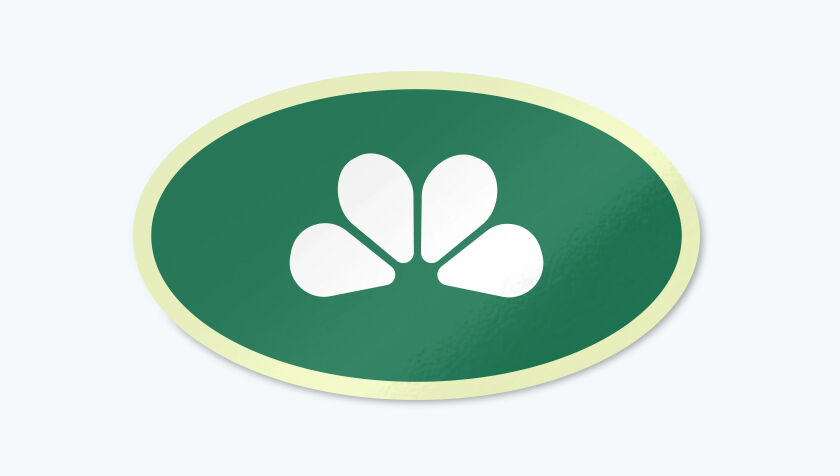




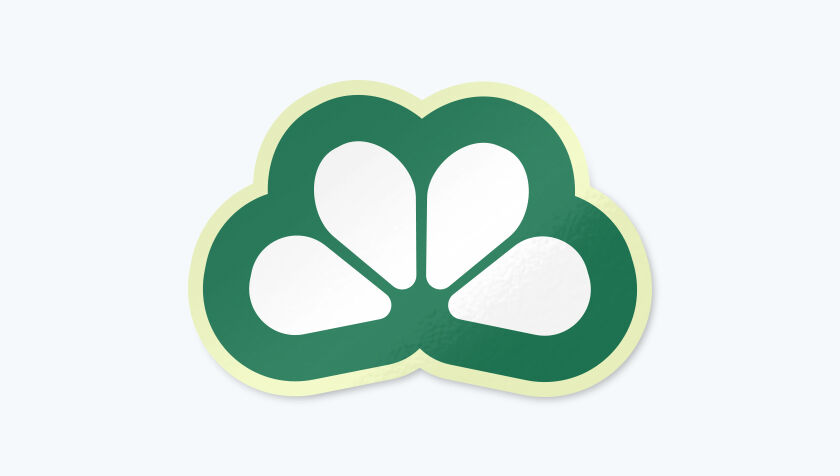










- Individually cut for easy access
- Wide variety of shapes & sizes available
- We also offer Roll Packaging Labels
- Free File Check
Product Features


Packaging Labels for Boxes, Bags, Mailers, and More
Our Packaging Labels adhere securely to paper, glass, plastic, metal, and many other packaging materials. They are the perfect labeling choice if you want a polished look for your boxes, bags, shipping envelopes, and mailers, as they feature sharp print and durable finishes designed to withstand everyday handling.
Customize your Packaging Labels by adding your logo, brand colors, and artwork to create attention-grabbing packaging that stands out on store shelves and creates a memorable unboxing experience. You can also include your website, social media handles, or branded hashtags to encourage customer engagement and repeat business.
Beyond branding, custom Packaging Labels help communicate important product information. Display ingredients, usage instructions, expiration dates, care directions, or other details to keep customers informed and build confidence in your products. Moreover, Packaging Labels help improve day-to-day operations. Use them to inform customers about product specifications, shipping information, barcodes, SKUs, QR codes, or inventory details, making it easier to identify, organize, and process products accurately.
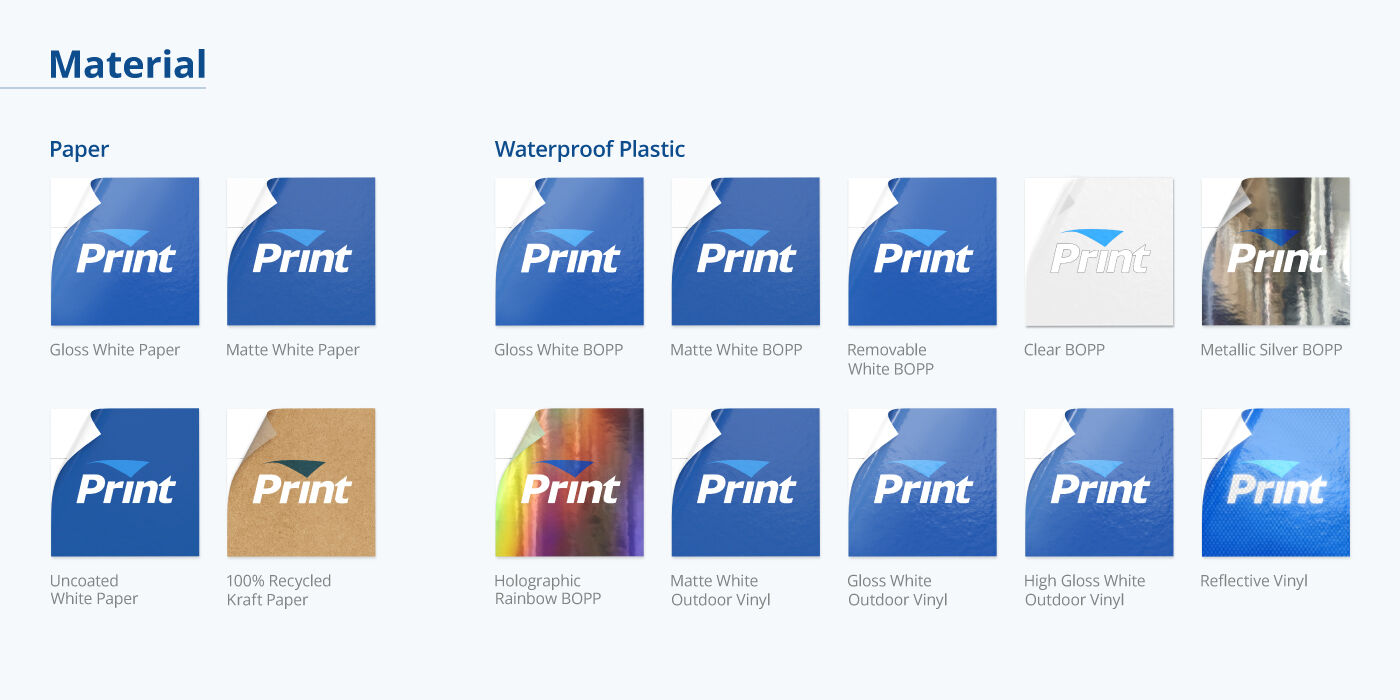
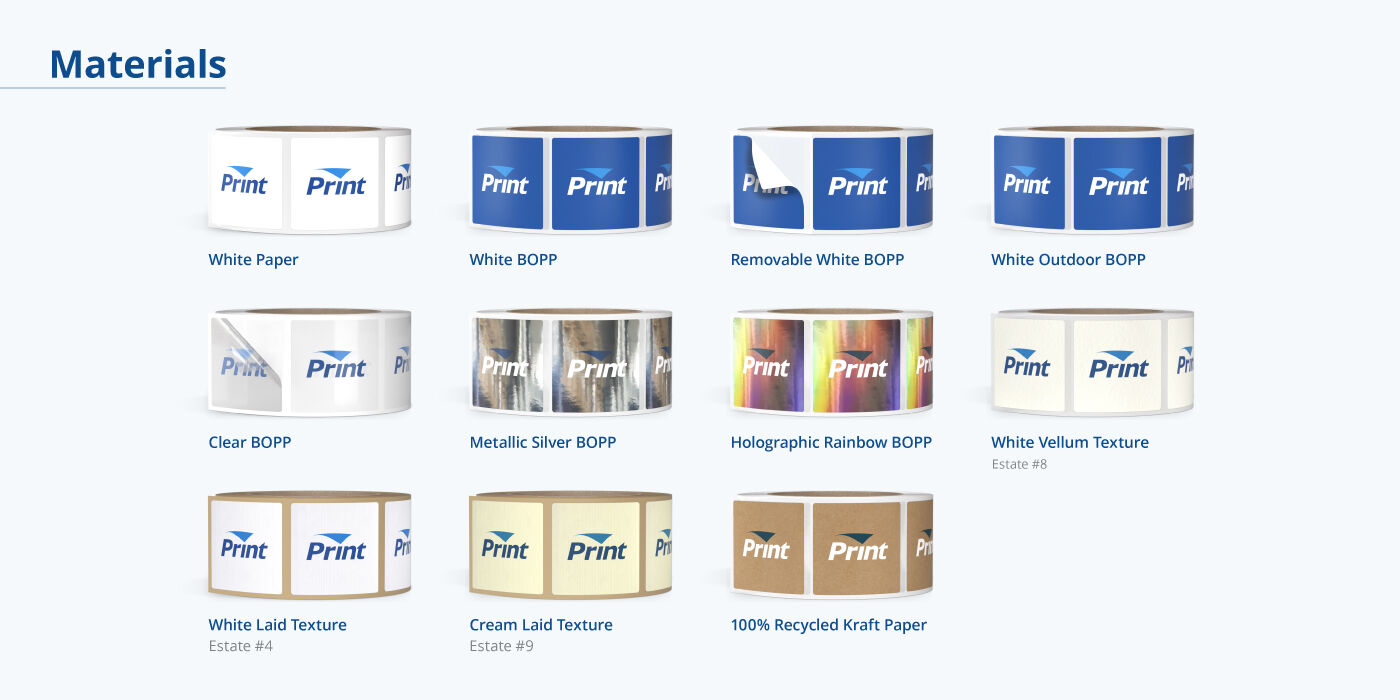
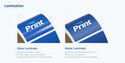
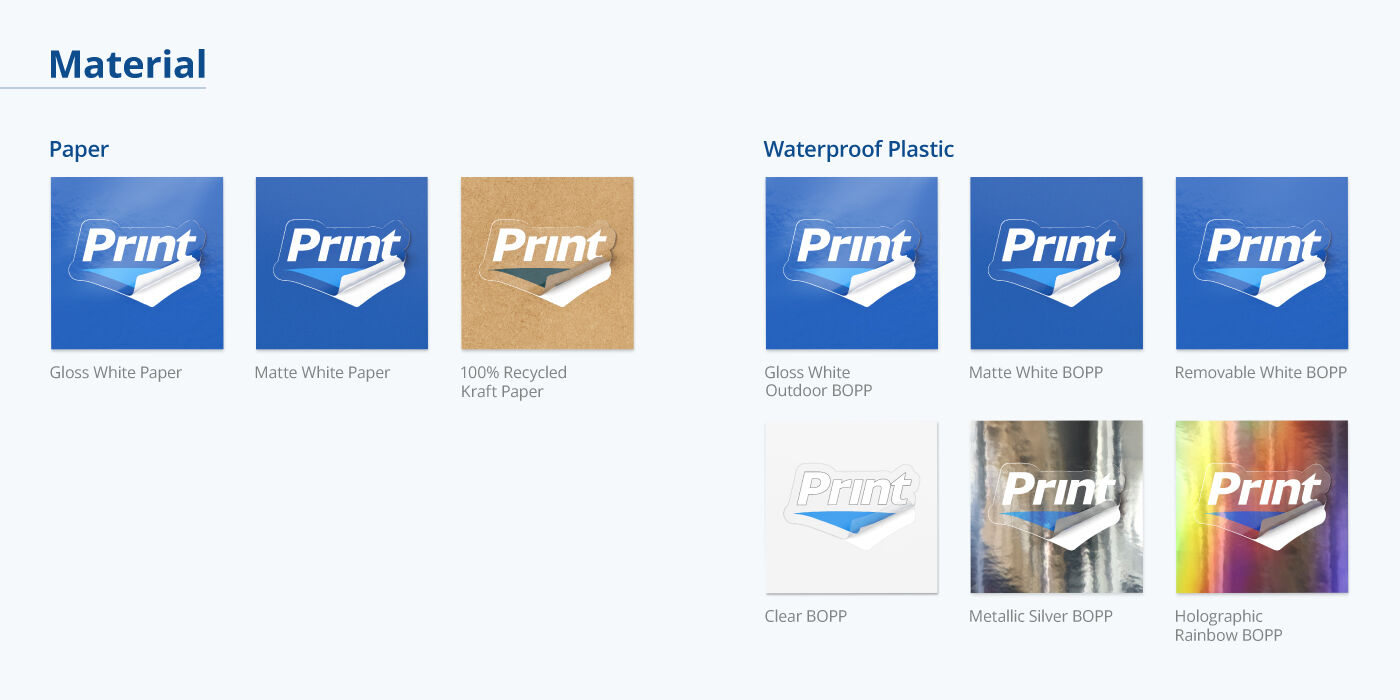
Our die-cut Packaging Labels are available in Gloss and Matte White Paper material and in glossy White Vinyl. Our prints are individually cut with scored liner for easy peeling. Custom shapes and sizes are available to match your label design and product packaging. Select from rectangle, square, oval, circle, arch, hexagon, heart, starburst, and custom shapes to make your design distinct from competitor brands. Order as few as 25 pieces or up to 50,000 labels.
Print custom labels from PrintRunner today. We can have your order ready for shipping in just one (1) business day.
Packaging Label Formats
Aside from die-cut format, we can also print packaging labels in roll and sheet format. Each type varies in application and materials.
Die-cut labels are individually cut according to their specific shape and size. We cut through the backing and deliver them in stacks. Die-cut singles are suitable for low-quantity orders.
Roll labels are printed and spun around a spool that fits most label dispensers. You can apply roll labels by hand or with a machine for faster application. Roll labels are suitable for large orders and assembly lines.
Sheet labels are printed on 8.5” x 11” sticker paper. One of the things that makes sheet labels different from die-cut and roll labels is that you can print multiple designs per sheet when you choose custom shapes. Sheet labels are stackable and easy to store.
Label Materials and Coatings
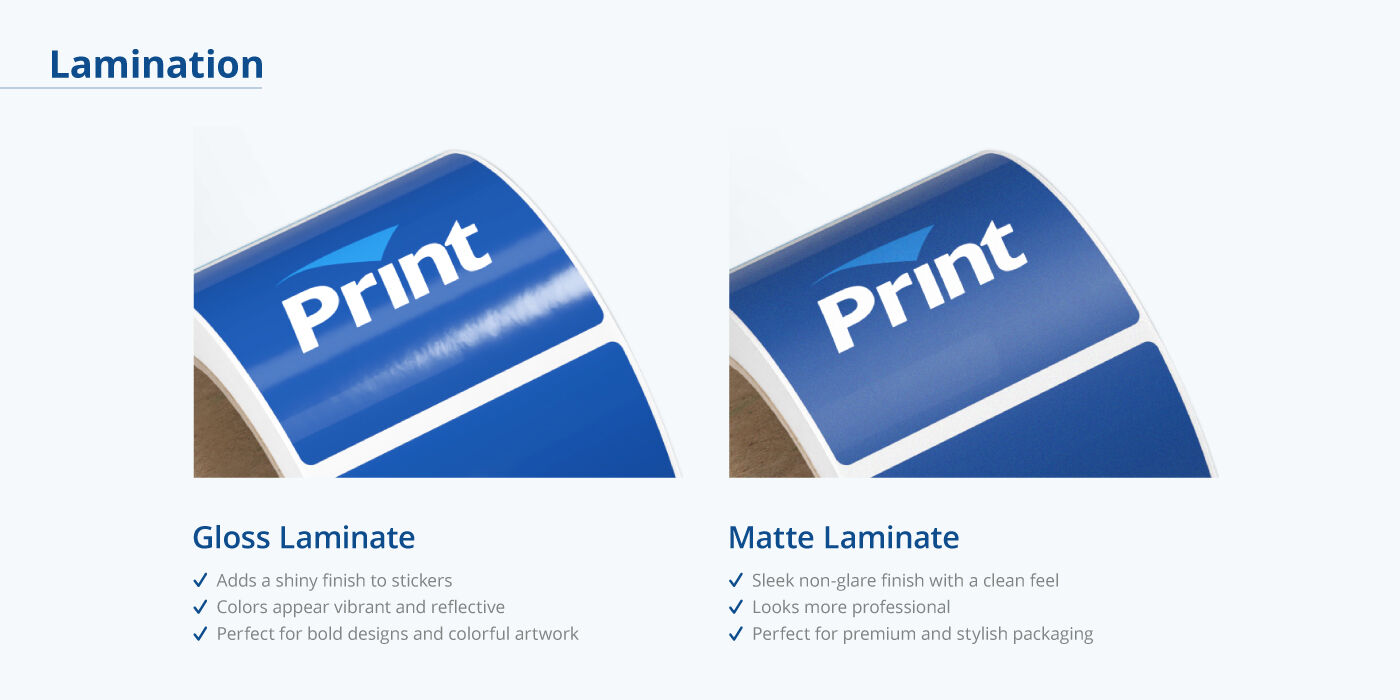
Each label format comes in a variety of material options. Below is a list of features to help you choose which label works best for your needs.
|
|
An indoor-friendly option for products and labels |
Weather-resistant and ideal for products displayed outdoors |
|---|---|---|
| Indoor/Outdoor Use | Indoor | Outdoor |
| Waterproof | No | Yes |
| Writable | No | No |
| Coating | Matte or Gloss | Gloss, High Gloss, Matte, and Reflective options |
|
|
Standard, glossy sticker paper that is oil and water-resistant |
Suitable for products exposed to moisture and refrigeration |
Weather-resistant, suitable for outdoors products |
Uncoated paper with a subtle texture |
|---|---|---|---|---|
| Indoor/Outdoor Use | Indoor | Indoor | Outdoor | Indoor |
| Waterproof | No | Yes | Yes | No |
| Writable | No | No | No | Writable when uncoated |
| Coating | Gloss | None | High-gloss UV | Matte option |
|
|
An indoor-friendly option for products and labels |
|---|---|
| Indoor/Outdoor Use | Indoor |
| Waterproof | No |
| Writable | No |
| Coating | Uncoated or High Gloss UV |
Print Labels Online With PrintRunner
Order and print Packaging Labels in three easy steps.
Step 1: Use the Product Calculator. Choose your Packaging Label specifications such as size, material, quantity, and printing turnaround time.Step 2: Upload your Design. If you don’t have a ready-made artwork, you can create your layout using our design tool by clicking Design Online. It’s easy to use and lets you upload your own images, add text and shapes, and change colors to suit your label preferences.
Step 3: Save and Proof Your Design. You can choose to Save Your Design and access it another time under your account or Proceed to Checkout and follow the rest of the proofing and billing process.
Frequently Asked Questions
This depends on your preferred label size, material, and quantity. Use the order calculator to get an instant quote. Select your preferred size, quantity, and material and you’ll see the estimated cost of your order at the bottom of the calculator.
Not necessarily. A gloss box doesn't require a different type of packaging label than a matte box. Our packaging labels have strong adhesion, so they stay firmly in place on both surfaces.
The quantity of labels per sheet depends on the size of your labels. Our smallest size (2.685” x 1”) fits 30 labels per sheet. If you choose the largest size, which is 5” x 4”, you can fit 4 labels per sheet.
You can check your order’s estimated arrival date using the product page order calculator. Indicate your preferred printing turnaround time, zip code and our order calculator will generate estimated arrival dates and costs based on your location.
Yes, we do. We offer free downloadable templates that you can use as a guide to design your labels. Just click on the Templates tab below the order calculator and select the size and shape that you prefer. These blank templates are compatible with popular design software like Adobe Illustrator, Adobe Photoshop, Adobe InDesign, and Microsoft Publisher.
Yes, our prepress team can check your design for any technical errors before it goes to print, free of charge. We will email you a PDF document for your approval.