


QR Code Stickers







- Weather-proof BOPP or vinyl
- Die-cut, kiss-cut, roll, and sheet formats
- Print classic shapes or custom sticker designs
Product Features


Merge Online and Offline Branding With QR Code Stickers
If your marketing goals include driving more digital engagement, website traffic, and conversions, we have good news. QR code stickers let you turn everyday surfaces into a gateway to your online content, allowing your brand to become more visible. Apply these stickers to packaging, counters, windows, menus, or event booths so customers access your digital content with a simple phone scan.
PrintRunner helps you boost engagement by ensuring your QR codes are seen and scanned. Our high-resolution, reliable stickers keep your codes crisp and legible, turning every sticker into a measurable marketing tool. Order today and easily generate your QR code directly with our online design tool.
Create High Quality QR Code Stickers for Online and Offline Branding
QR code stickers are best used when you want fast, measurable engagement. Here are some examples of where you can use them:
- Restaurant menus for digital ordering or promos
- Retail packaging
- Event signage for schedules or giveaways
- Review requests printed on takeout bags or receipts
- Product labels linked to tutorials or special instructions
- Storefront windows for promoting limited-time sales
Sizing and Design Guidelines
For best results:
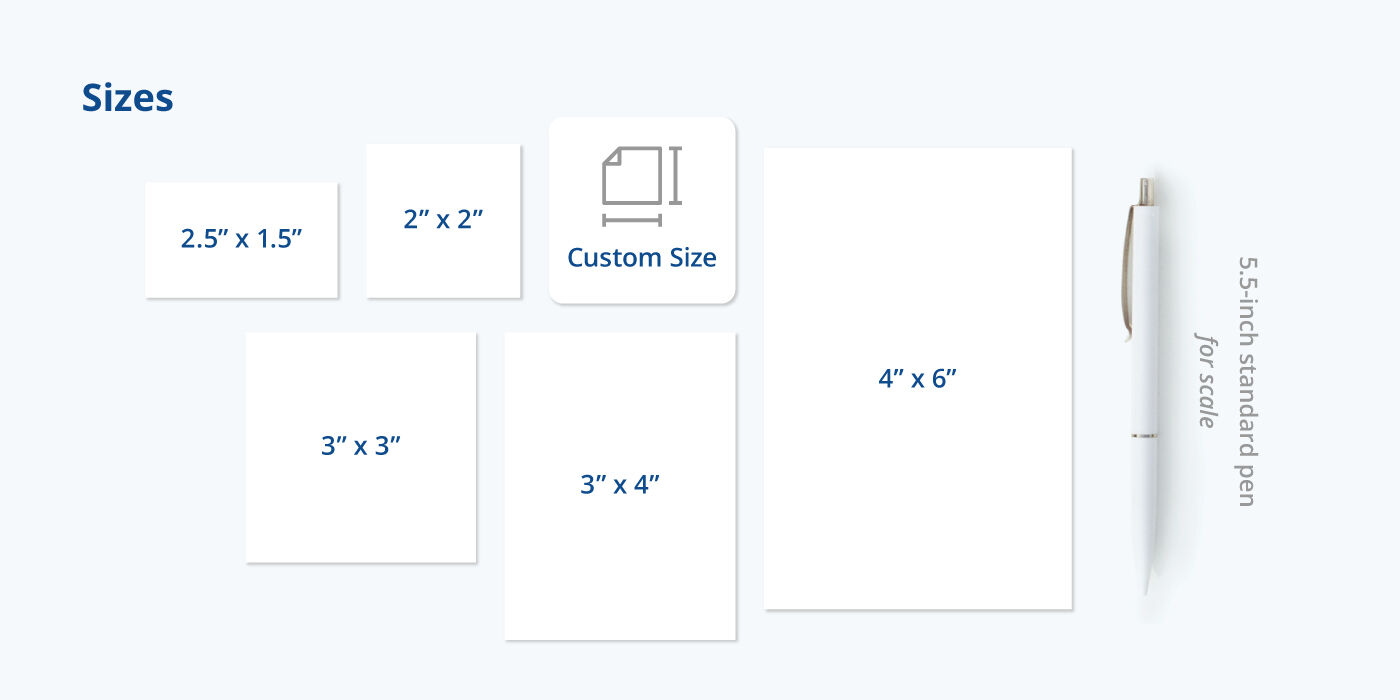
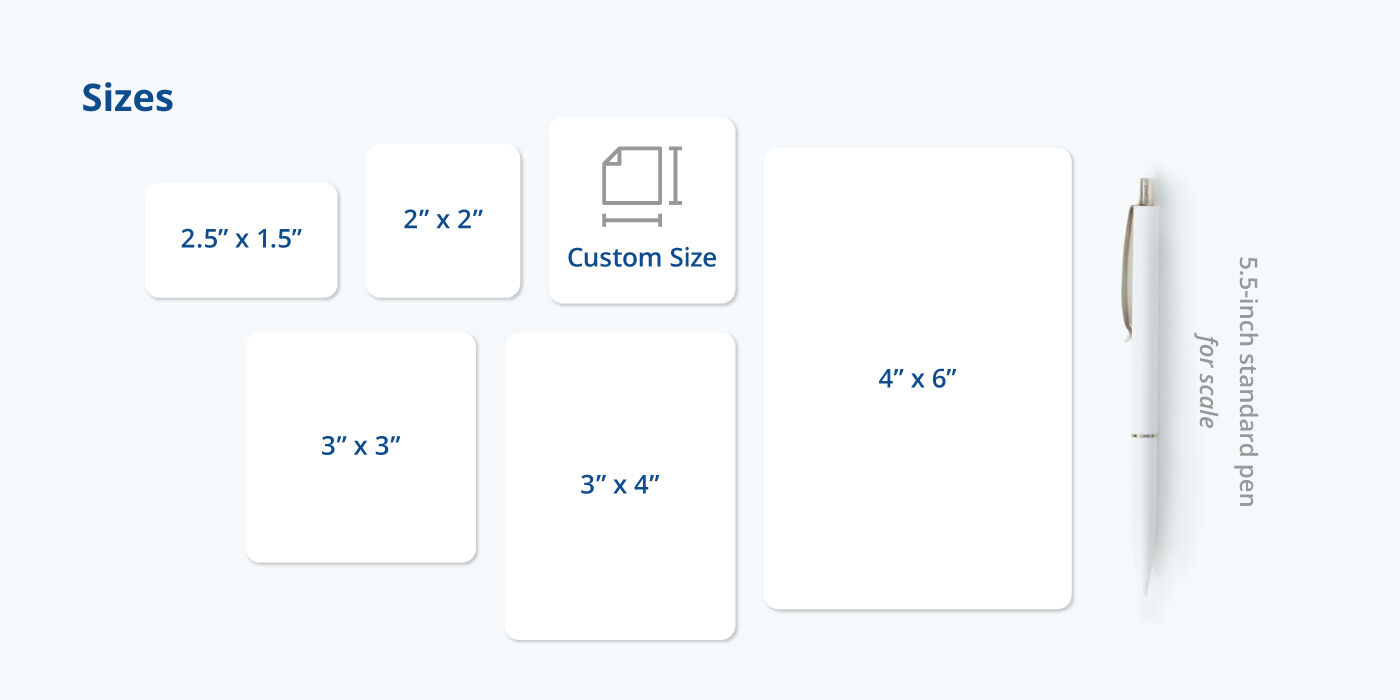
- Keep your QR code at least 1” x 1” for close-range scanning
- Use high contrast (black on white background is recommended)
- Avoid heavy glare or reflective overlays
- Leave space around the code
- Always test your QR code before printing
How to Order Custom QR Code Stickers
Follow these steps to start ordering custom QR code stickers from PrintRunner:
- Choose your format, material, size, shape, and quantity.
- Upload or generate your QR code in the online design tool.
- Add branding elements and clear call to action.
- Select a proofing option.
- Proceed to checkout to confirm your order.
QR Code Sticker FAQs
Yes, you can create and customize your QR code directly in the online design tool — no third-part app needed!
At least 1” x 1” for close-range scans. Larger sizes are better if you’ll use the QR code on menus and signs.
Yes, as long as a trackable link or landing page is used on the QR code.
Only vinyl and BOPP materials are water-resistant and tear-resistant for outdoor and high-moisture environments.
Gloss finishes are safe for scanning, but matte can reduce glare in bright lighting conditions and improve scan consistency.
QR codes are quite common nowadays, with many businesses using them to promote their online platforms. Putting QR codes on labels and stickers lets customers access your website and see more of your products and services.
There are many tools online which let you generate a unique QR code for your website or promo page. Remember to test the code first before uploading it on our free template tool, then test it again before you add designs to make sure it’s working and that it redirects to the right page. Once you’re satisfied, submit it and we’ll handle the rest.
If you are designing a promotional sticker, include the QR code next to your brand logo. For labels, it’s best to place it next to the barcode or at the bottom of the logo. For decals, well you can just let the QR code dominate the sticker space and put small ads to encourage customers to scan. Again, make sure to test the QR code and see if it’s linking properly to your website.
Yes, but you must specify which QR code activates which link. A good piece of advice is to make two or more sticker designs for each QR code, then label these on your designs before having them printed.
Absolutely! Just make sure whatever shape you use won’t distort or modify your QR code. Test the code regularly before and after you make edits.